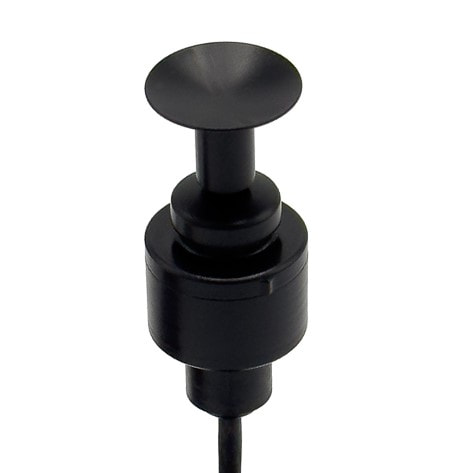
ASL 125 Orbit Bluetooth Joystick
Click red tabs to view the features of the ASL 125 Orbit Bluetooth Joystick
Click here to view the ASL 125 Orbit Bluetooth Joystick

Orbit Features
- The polymer spring allows for a smooth driving experience and seamlessly move thought the full range of motion.
- The Orbit includes Switch Ports for Left and Right Click Functions
- The Orbit Joystick Interface has a User Port with a 1/8” inch Mono Port to plug in a switch that changes the joystick from Driving Mode to Bluetooth Mode
- The Orbit Joystick comes with a 9-pin or LiNX Connector
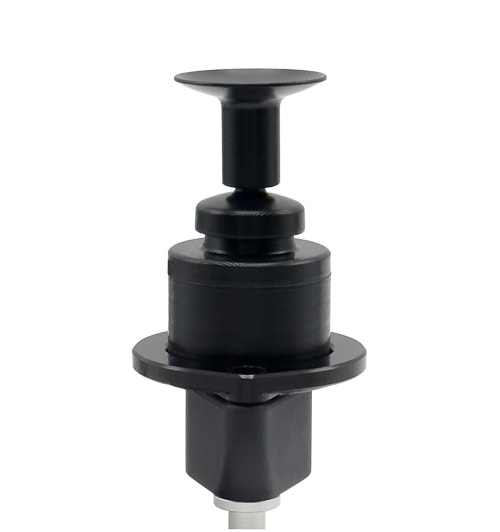
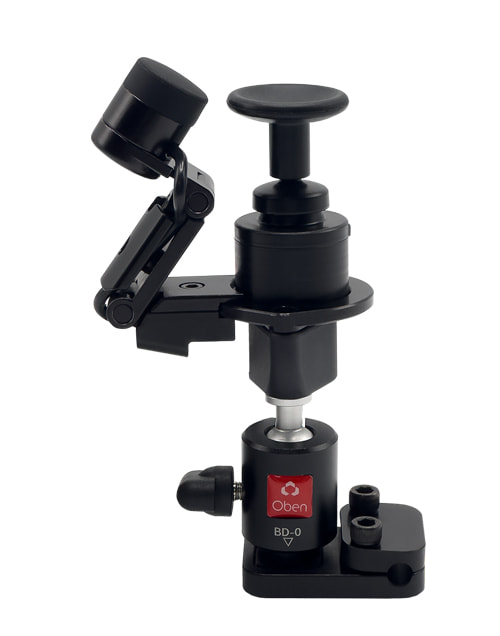
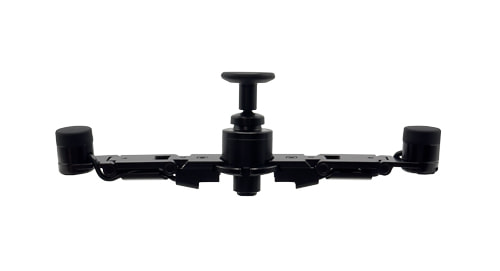

USER PORT:
Any activation of a switch in the User Port will put the joystick into Bluetooth Mode. This will be indicated by a long beep.